Overall Rating: 8.6 / 10
Your crypto sitting on Binance right now isn’t really yours. It’s Binance’s crypto, and they’re letting you borrow access to it. That’s not paranoia — that’s the legal reality of custodial wallets. Trezor was built to fix exactly that problem, and after 12 years on the market, it remains one of the few products in crypto that actually does what it promises.
But “the best” doesn’t mean “the best for everyone.” This review will tell you what Trezor genuinely gets right, where it falls short, who should buy it, and who’s better off looking elsewhere.
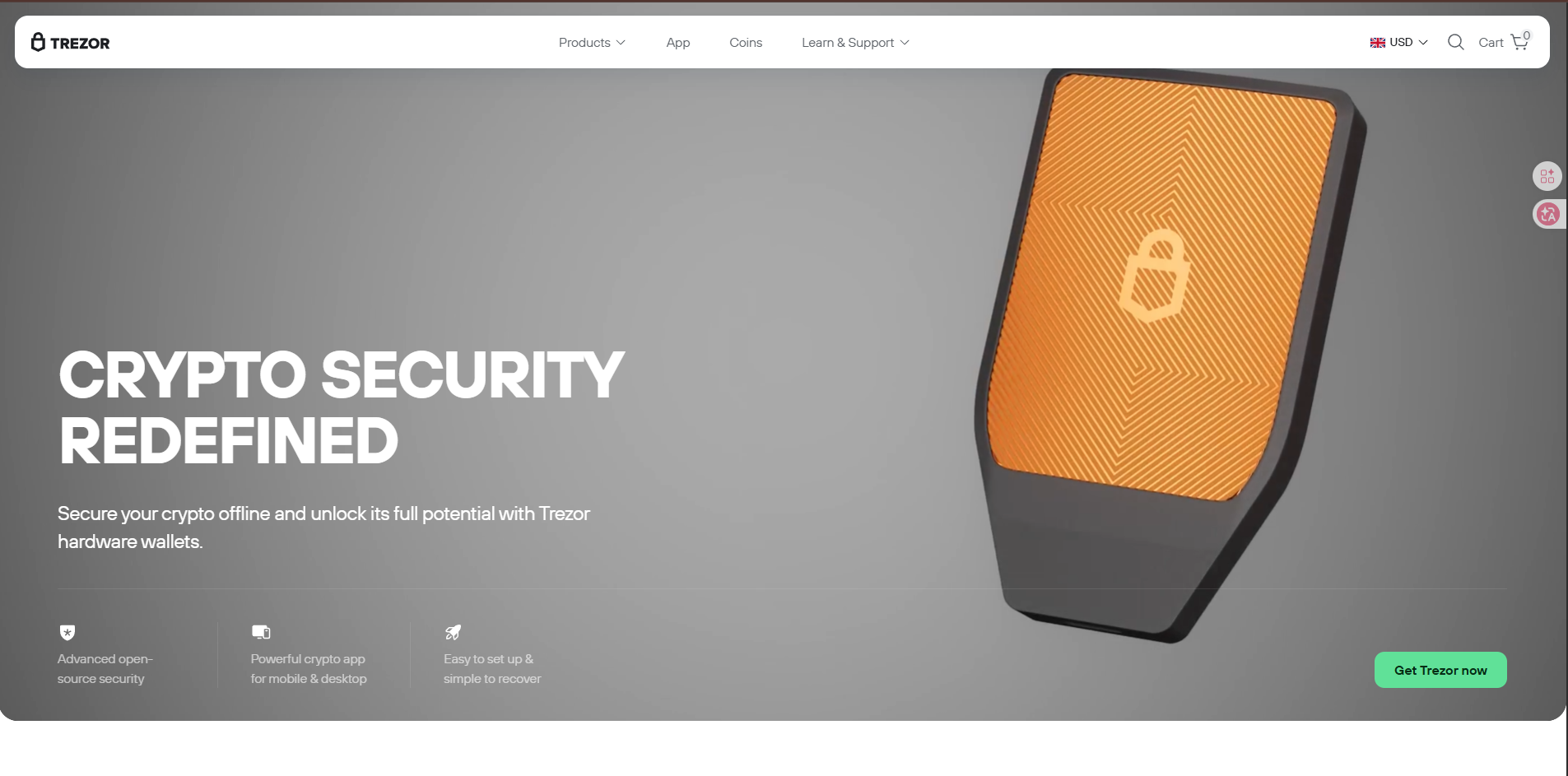
Trezor is a hardware wallet — a small physical device that stores your cryptocurrency private keys completely offline. It was created by SatoshiLabs and launched in 2014 as the world’s first commercial hardware wallet. That’s not a marketing boast; it’s a historical fact that matters. Being first in this industry means 12 years of real-world security testing, millions of users, and a track record that most competitors simply can’t match.
The core promise is simple: your private keys never touch the internet. Not when you’re sending crypto, not when you’re checking your balance, not ever. When you initiate a transaction, your computer sends the unsigned transaction to the Trezor device, the device signs it internally using your offline keys, and sends back only the signed transaction. Your keys stay sealed inside the hardware the entire time.
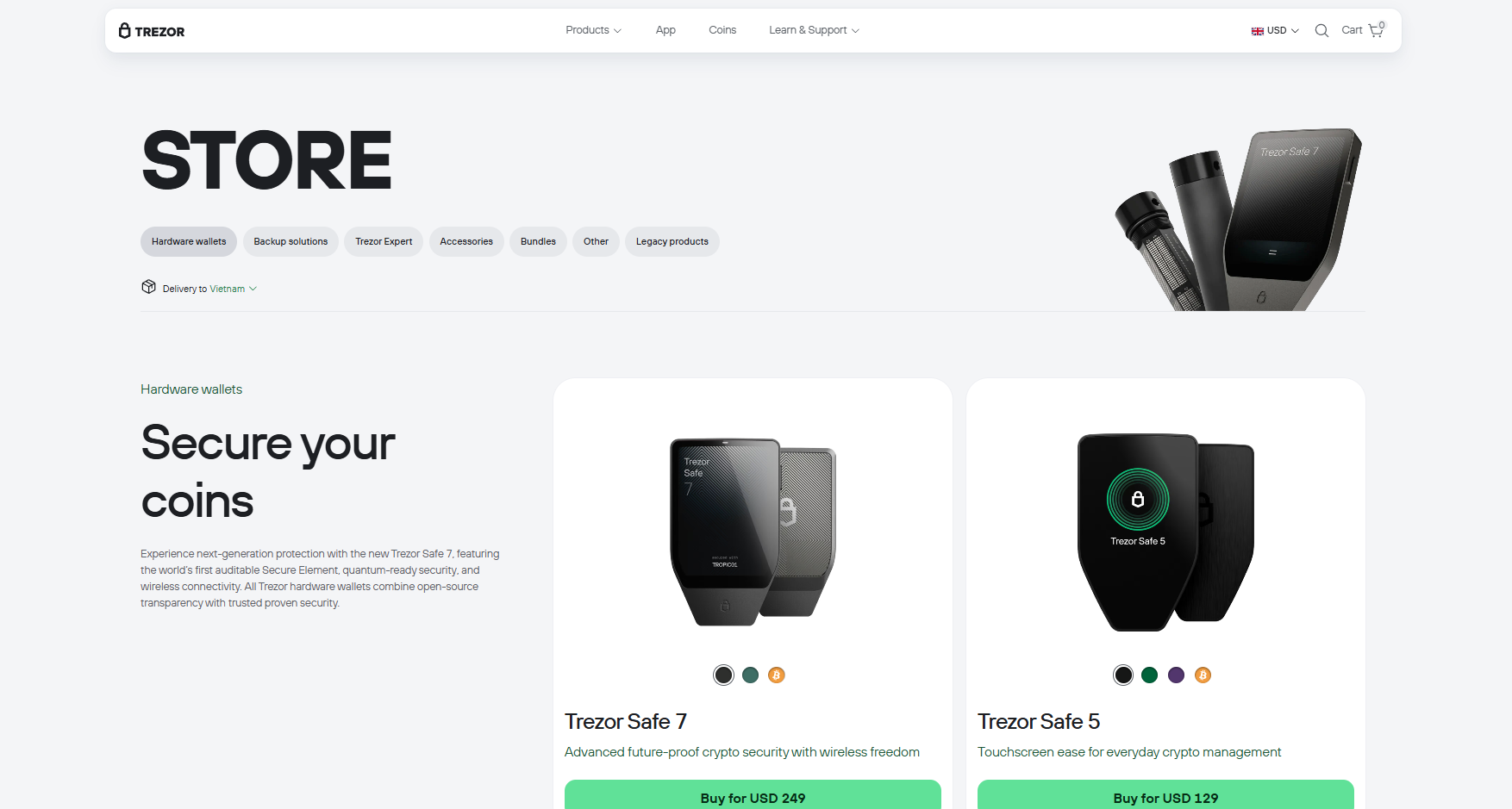
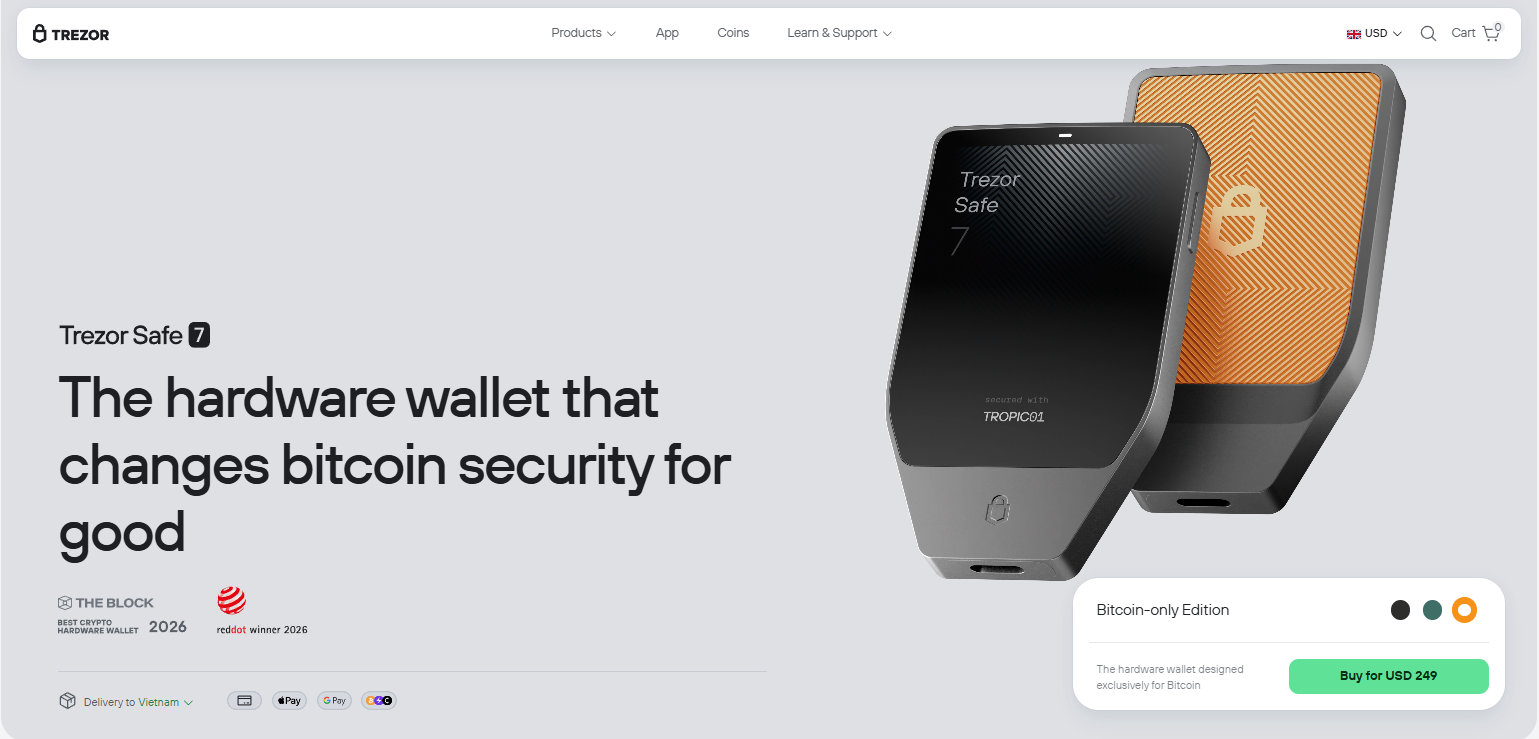
As of 2025, Trezor sells three main devices: the Trezor Safe 3 (entry-level, ~$79), the Trezor Safe 5 (~$169, color touchscreen), and the new Trezor Safe 7 (quantum-ready security, their flagship). They also sell the Trezor Keep Metal — a steel backup plate for your recovery phrase — and offer a paid Trezor Expert Session, a 60-minute live onboarding call with a real human.
This is Trezor’s most important advantage, and it’s the one most reviewers gloss over with a single sentence. Let’s actually explain why it matters.
Trezor’s firmware and software are fully open-source. Every line of code is publicly available on GitHub and has been reviewed by independent security researchers, cryptographers, and developers worldwide. This isn’t symbolic transparency — it means vulnerabilities get found and fixed faster, because thousands of eyes are looking at the codebase, not just an internal team.
Compare this to a closed-source competitor: you’re trusting their marketing claims about security. With Trezor, you’re trusting math and public scrutiny. In the world of crypto, where “trust” has bankrupted millions of people, that difference is enormous.
The newer Safe 5 and Safe 7 models go further with Tropic01 — what Trezor calls the world’s first transparent and fully auditable Secure Element chip. Most hardware wallets use Secure Elements that are under NDA and can’t be independently verified. Trezor’s can. That’s a genuine advancement, not a buzzword.
Trezor supports thousands of coins and tokens across major networks: Bitcoin, Ethereum, Solana, Cardano, Base, Arbitrum One, Optimism, and more. ERC-20 tokens are supported comprehensively. If you hold an obscure altcoin, check the official coin list at trezor.io/coins — the coverage is updated regularly and will likely cover it.
For DeFi users, Trezor integrates with WalletConnect, giving access to over 70,000 dApps including Uniswap, Aave, and OpenSea. You can interact with these protocols while your private keys stay hardware-protected. MetaMask and Rabby also work natively as front-ends for your Trezor, which is the setup most DeFi power users prefer.
Trezor Suite is the desktop and mobile app you use to manage your wallet. Available on Windows, macOS, Linux, and Android, it’s come a long way from its early versions. You can buy, sell, swap, and stake crypto directly inside the app. The swap feature is notably good — it shows you options from multiple CEXs and DEXs side by side, including fixed-rate and floating-rate options. DEX swaps don’t require KYC, which preserves your privacy.
The app also includes Tor support for network-level anonymity and coin control for more advanced privacy management. These aren’t features most beginner users will touch, but their presence signals that Trezor is serious about privacy as a value, not just a selling point.
The February 2025 Suite update (version 25.2.2) added an Entropy Check feature and expanded network support for Base, Optimism, and Arbitrum One — meaningful upgrades for anyone active in the Ethereum ecosystem.
A common fear with hardware wallets: “What happens if I lose the device?” Trezor’s answer is clean. During setup, you create a recovery phrase (12, 20, or 24 words depending on your model). Write it down, store it somewhere safe offline, and if your Trezor is lost, stolen, or destroyed, you restore your entire wallet to a new device using that phrase alone.
The Safe 5 introduced an Advanced Multi-share Backup — think of it as splitting your recovery phrase into multiple pieces, so no single piece alone can restore your wallet. This dramatically reduces the risk of someone finding your backup and draining your funds. It’s one of the more thoughtful security improvements Trezor has shipped in recent years.
This one genuinely hurts. Trezor’s mobile app on iOS does not support swap, send, setup, or device management. That’s not a minor limitation — it means iPhone users are essentially running a second-class experience, limited to portfolio viewing. The full Trezor Suite functionality requires a desktop or Android device.
In 2025, with a significant portion of crypto users on iPhones, this is a meaningful gap. Competitors like Ledger have better iOS integration. If mobile-first management is important to you, this is a real strike against Trezor.
Every Trezor device connects via USB-C. There is no Bluetooth, no NFC, no wireless option of any kind. For security purists, this is a feature — wireless attack surfaces are real. For everyone else, it means carrying a cable and needing a laptop or desktop nearby for full functionality. It’s a deliberate design choice, but it’s worth knowing upfront.
First-time setup, especially on older models like the Safe 3 with its button navigation, involves more steps than feels necessary. Verifying the device, setting a PIN, writing down your recovery phrase, confirming it, installing firmware — it’s not hard, but it takes 20–30 minutes and demands careful attention. For genuinely non-technical users, the learning curve can be steep enough to cause mistakes (the most dangerous being improperly storing the recovery phrase).
Trezor’s answer to this is the Expert Session — a paid 60-minute live onboarding call. It’s a reasonable solution, but the fact that it exists suggests they know the setup experience isn’t frictionless out of the box.
The Safe 3 at ~$79 is fair for what it offers. But if you want the premium experience of the Safe 5 (color touchscreen, Secure Element, haptic feedback), you’re paying $169. The Safe 7 goes higher still. Ledger’s comparable Flex model sits at a similar price point, but Ledger’s ecosystem is more mature on iOS. For budget-conscious users, there are capable competitors at the $50–$70 range that handle basic cold storage adequately.
This is the question almost everyone has. Both are solid. Here’s the honest breakdown:
Trezor wins on:
Ledger wins on:
The 2023 Ledger Recover controversy — where Ledger proposed a subscription service that would allow recovery phrase fragments to be transmitted online — damaged trust for many users. Trezor’s architecture makes something like that functionally impossible, which is worth weighting if long-term security assurance matters to you.
Buy the Trezor Safe 3 if: You’re new to hardware wallets, hold mostly Bitcoin and Ethereum, and want the most trusted cold storage setup at a reasonable price. The security is genuinely excellent; you’re not sacrificing much by skipping the touchscreen.
Buy the Trezor Safe 5 if: You want a better daily driver experience, use multiple networks actively (Ethereum L2s, Solana, Cardano), and appreciate the convenience of a color touchscreen for verifying addresses before signing. The $169 is justified if this is your primary portfolio security layer for serious holdings.
Buy the Trezor Safe 7 if: You’re a high-value holder thinking in 10-year time horizons. The quantum-resistant security features aren’t critical today — quantum computers can’t crack current cryptography yet — but future-proofing your security architecture isn’t paranoid if you’re holding meaningful wealth.
Skip Trezor if: You’re primarily an iPhone user who needs mobile-first management, you’re a DeFi power user who needs native mobile dApp browsing, or your holdings are small enough that a well-secured software wallet is proportionate to your risk level.
| Category | Score |
|---|---|
| Security Architecture | 9.5 / 10 |
| Coin & Network Support | 8.5 / 10 |
| Ease of Use | 7.5 / 10 |
| Mobile Experience | 6.0 / 10 |
| Software (Trezor Suite) | 8.0 / 10 |
| Value for Money | 8.0 / 10 |
| Privacy Features | 9.0 / 10 |
| Community & Longevity | 9.5 / 10 |
| Overall | 8.6 / 10 |
Trezor has spent 12 years doing one thing — keeping private keys offline and out of reach — and it does that better than almost anyone. The open-source architecture, transparent Secure Element, and consistent track record make it the easiest hardware wallet to recommend from a pure security standpoint.
What holds it back isn’t security; it’s user experience. The iOS gap is real, the setup has friction, and the lack of wireless connectivity is increasingly notable as mobile use dominates. These aren’t dealbreakers for most serious crypto holders, but they’re genuine limitations for casual users who expect an experience as smooth as a banking app.
If you’re asking whether your crypto is safer in Trezor than on an exchange or a hot wallet, the answer is almost certainly yes — by a wide margin. If you’re asking whether Trezor is the perfect hardware wallet, the honest answer is that it’s very good, not perfect, and the gap between “very good” and “perfect” probably doesn’t matter for how most people actually store their crypto.
Buy it. Store your keys offline. Keep the recovery phrase somewhere physically secure. That’s the whole game.
Disclaimer: This review is for informational purposes only and does not constitute financial advice. Cryptocurrency investments carry significant risk. Always conduct your own research before purchasing any financial product.